


How to Choose the Best WordPress Hosting in 2025
Want a fast, secure, scalable WordPress site? Choosing the right hosting is critical. Here are the technical criteria and how to evaluate them.
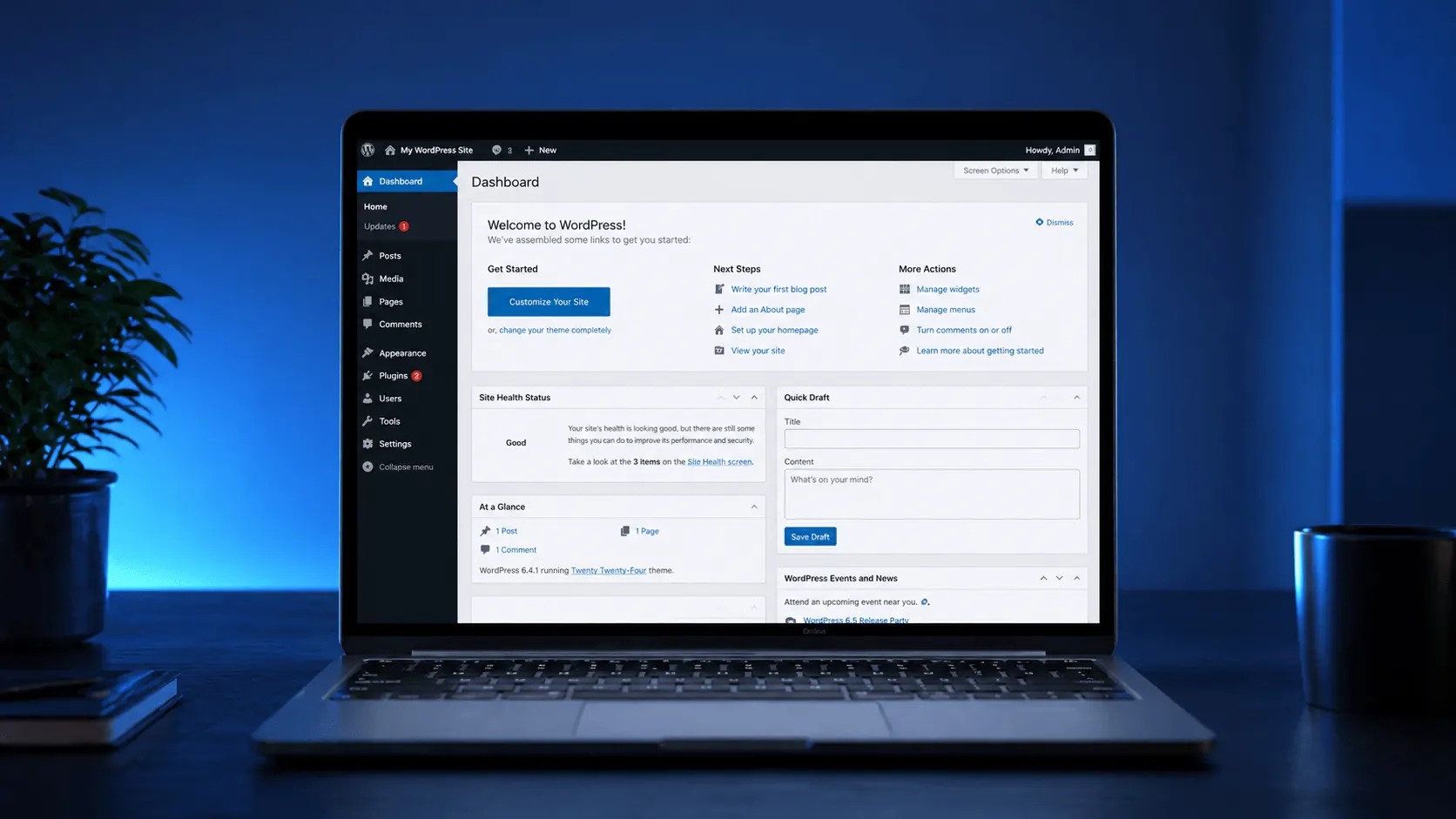
WordPress powers 43% of all websites — it’s the most widely used CMS. But after picking a great theme and plugins, here’s what most people miss: hosting quality directly determines your site’s success. A slow, flaky WordPress site drops in SEO, loses visitors, loses sales. This guide walks you step by step through choosing the right hosting for WordPress.
Why does hosting matter so much for WordPress?
WordPress is a dynamic CMS — every visitor request runs PHP, hits MySQL, and ships HTML to the browser. Whether that takes 200ms or 2 seconds depends entirely on your hosting infrastructure.
This is exactly what Google’s Core Web Vitals ranking factor measures. A slow site:
- Drops in SEO rankings
- Bounce rate climbs — every second of slowdown = ~7% conversion loss
- Ad scores (Google Ads quality score) decline
7 criteria to look for in WordPress hosting
1. Disk type: NVMe SSD is mandatory; even SATA SSD is dated
In 2025, walk away from any host still selling HDD-based WordPress hosting. Even SATA SSD is now old. NVMe SSD should be standard — there’s a 5–7× read-speed difference, and WordPress is constantly hitting both database and files.
2. PHP version and OPcache
- PHP 8.2+ (8.3 ideal) — over 30% faster than legacy 7.x
- OPcache enabled — PHP code is kept compiled in RAM
- Object Cache (Redis/Memcached) — caches database queries
3. Bandwidth and port speed
- At least 1 Gbps symmetric port
- Unlimited traffic (within fair-use)
- Local presence — for Turkish visitors, 5–10ms ping
4. Automatic backups
WordPress plugins occasionally break things, and an update can take down your site. If your host doesn’t run daily automatic backups, your hands are tied.
- Minimum 7-day retention
- Backup on a separate server (not the same disk)
- One-click restore
5. SSL support
Free Let’s Encrypt SSL must be available with one-click setup from the panel. SSL-less WordPress is unthinkable in 2025 — Chrome shows “Not Secure”.
6. Real support, 24/7
When the site goes down at night, you need a response in minutes from a real systems engineer, not a bot.
7. When to move to VDS
Shared hosting only goes so far. When should you upgrade to VDS?
- 10,000+ monthly visitors
- WooCommerce / e-commerce
- Receiving “CPU limit exceeded” emails
- Multiple plugins + custom code
- Dynamic features like LMS / forum / membership
For a deep comparison, see our VDS vs VPS post.
WordPress hosting tiers
| Tier | Best for | Monthly price |
|---|---|---|
| Shared Hosting | Beginners, small blogs | $3–10 |
| Managed WordPress Hosting | Hands-off, prefer ready panels | $15–40 |
| VDS | Mid-to-large sites, e-commerce, custom | $10–60+ |
| Dedicated | Very large or enterprise sites | $300+ |
Extra performance tips
Once hosting is right, also do these:
- Caching plugin: WP Rocket, LiteSpeed Cache, or WP Super Cache
- CDN: Cloudflare’s free plan is enough to start
- Image optimization: convert to WebP/AVIF (Smush, ShortPixel)
- Lazy loading: WordPress 5.5+ does this by default
- Plugin minimalism: if you have 20+ plugins, audit — half are likely unnecessary
- Database cleanup: run WP-Optimize monthly
Common mistakes
- Buying ultra-cheap hosting: paying $2/month then asking “why is it slow?”
- No backups: when the site breaks, “now what?”
- Postponing theme/plugin updates: creates security holes
- Wrong location: serving Turkish visitors from Germany (extra 20–50ms)
- Relying on one cache plugin: object cache on the host side is also essential
Conclusion
Choosing WordPress hosting isn’t a 5-minute decision. The wrong choice costs far more than the monthly invoice difference — in lost customers, dropped SEO, and unrecoverable backups.
The right priority order: NVMe SSD → PHP 8.3 + OPcache → Local presence → Daily backups → 24/7 support.
KavesNET offers WordPress-optimised hosting plans with NVMe SSD, PHP 8.3, LiteSpeed/Object cache, free SSL, and daily backups included. Browse hosting plans →
For high-traffic projects, going straight to VDS may make more sense — also check our VDS plans, or contact us and we’ll plan it together.
İlgili Yazılar
Bunlar da ilgini çekebilir.
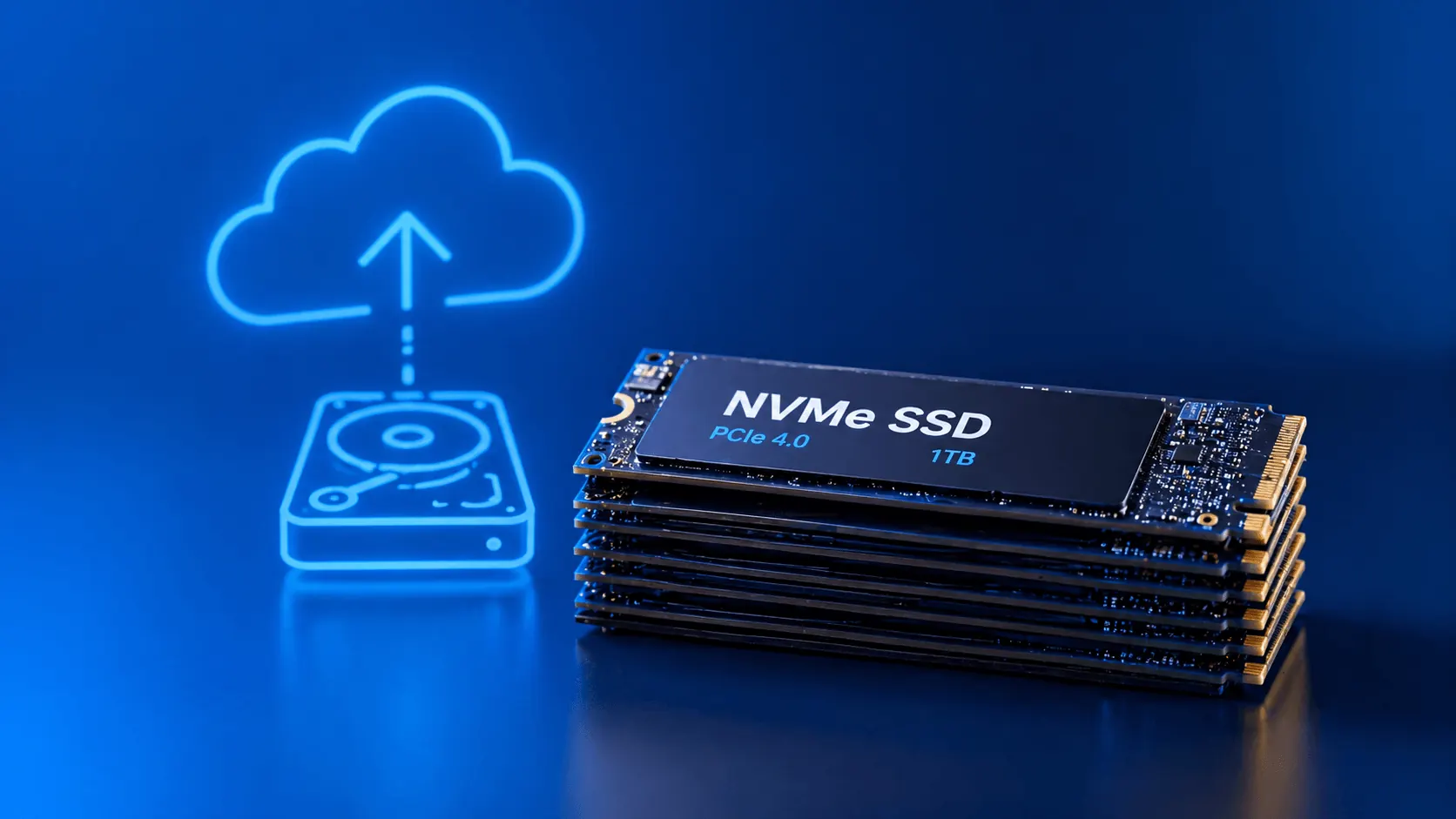
3-2-1 Yedekleme Kuralı: Sunucu Verilerini Asla Kaybetmemenin Yolu
3-2-1 yedekleme kuralı, kurumsal sunucu yedekleme stratejisinin altın standardıdır. Bu yazıda kuralı, otomasyon yöntemlerini ve KavesNET yedek altyapısını anlatıyoruz.
Devamını Oku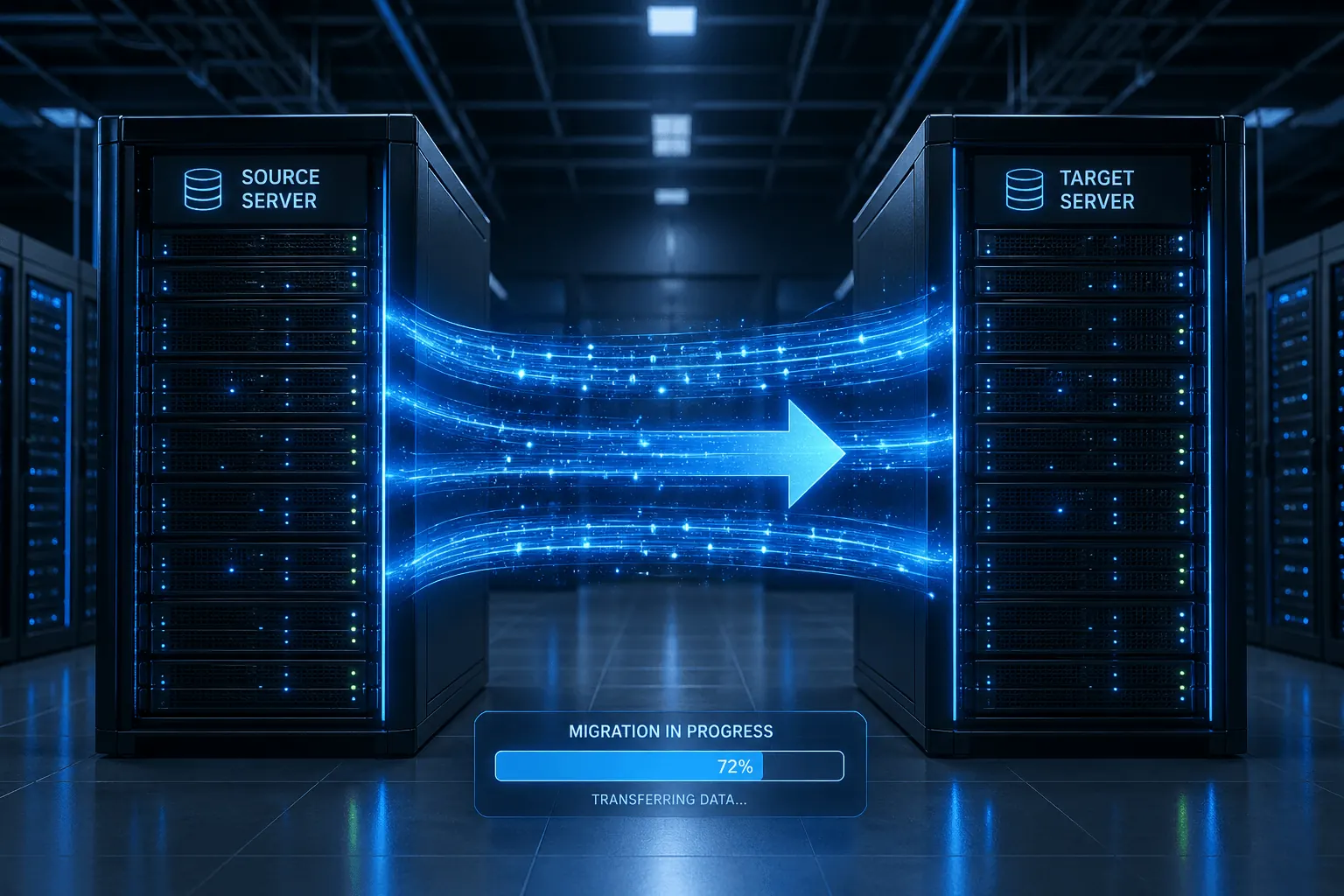
Plesk'ten Plesk'e Site Nasıl Taşınır? Migrator Aracı Rehberi
Plesk Migrator ile site, mail, DB ve DNS'i tek seferde yeni sunucuya taşı. Adım adım kurulum, migration test ve cutover.
Devamını Oku
FileZilla ile VDS'ten VDS'e Dosya Taşıma Rehberi
Eski sunucudan yeni VDS'e siteni taşı: FileZilla ile FTP/SFTP, hız ipuçları, izin ayarları ve hata kontrolü.
Devamını Oku