


FileZilla: VDS-to-VDS File Migration Guide
Move your site from old to new VDS: FileZilla over FTP/SFTP, speed tips, permissions, and error handling.

Migrating to a new VDS but worried about moving files from the old one? With FileZilla, transfer between two servers is straightforward — you don’t have to download to your PC and re-upload. This guide covers both the classic 2-leg method and server-to-server (FXP) patterns.
Scenario
- Old VDS: WordPress site, files in
/var/www/html - New VDS: empty server, files going here
Prep
- Take backups: snapshots of both VDSes
- Target folder ready on new VDS: empty, or check whether an install exists
- DB separately: move the database separately (dump/import). FileZilla isn’t for DBs.
Method 1: 2-leg transfer (most common)
Your PC is the bridge. Downside: files traverse your PC’s internet twice (old → PC → new). For 10 GB on a 200 Mbps PC: 30+ minutes.
Step 1: download from old VDS
FileZilla → File → Site Manager → New site:
- Host: old-vds-ip
- Protocol: SFTP - SSH File Transfer Protocol (secure, port 22)
- Logon: Normal, user + password
Connect → right pane shows remote dir → go to /var/www/html.
Left pane: pick local download folder (e.g., C:\backup\old-site).
Drag everything from right to left → download starts.
Step 2: upload to new VDS
Same window: File → Site Manager → New site:
- Host: new-vds-ip
- Protocol: SFTP
- Connect
Left pane: C:\backup\old-site (where you downloaded)
Right pane: /var/www/html (new VDS target)
Drag left → right → upload begins.
Method 2: direct VDS-to-VDS (FXP-like)
FileZilla itself doesn’t support server-to-server, but you can run rsync/scp on the old VDS — true server-to-server:
# From old VDS to new
rsync -avz --progress /var/www/html/ root@new-vds-ip:/var/www/html/
Wins:
- No PC traffic — servers talk directly
- Datacenter-internal 10 Gbps is often much faster
rsyncretries; if interrupted, resumes from where it stopped
For one-off vs scheduled sync, see our cron guide.
Method 3: tar + scp (large files)
Many tiny files slow down most transfers. Bundle into one archive first:
# On old VDS
cd /var/www
tar -czf html-backup.tar.gz html/

# scp to new
scp html-backup.tar.gz root@new-vds-ip:/tmp/

# Extract on new
ssh root@new-vds-ip
cd /var/www && tar -xzf /tmp/html-backup.tar.gz
10,000 small files become 1 big tar.gz — fast.
Performance tips
- Concurrent transfers: FileZilla → Edit → Settings → Transfers → Maximum simultaneous: 8-10
- Speed limit: don’t saturate your home internet — Settings → Speed limits
- Compression: SFTP is already encrypted; no extra compression needed
Permissions and ownership
Files often land owned by root when uploaded. WordPress needs www-data:
sudo chown -R www-data:www-data /var/www/html
sudo chmod -R 755 /var/www/html
sudo chmod -R 644 /var/www/html/wp-content/uploads
Wrong perms → “Permission denied” → site looks broken.
DB migration separately
After files, the database:
# Dump on old
mysqldump -u root -p wp_db | gzip > wp.sql.gz

# scp to new
scp wp.sql.gz root@new-vds-ip:/tmp/

# Import on new
zcat /tmp/wp.sql.gz | mysql -u root -p wp_db
For WordPress, update wp-config.php DB settings on the new VDS.
Common errors
- “Connection timed out”: Firewall (UFW or KavesNET) → port 22 open? See UFW post
- “Permission denied”: SFTP user lacks write rights on target
- Half-copied, then cut: internet drop → FileZilla queue stays, right-click → resume
- Transfer is slow: PC bottleneck → run rsync server-to-server
- Garbled characters: file names with non-ASCII → FileZilla → Settings → Charset → UTF-8
Conclusion
Small site (<5 GB): FileZilla 2-leg is enough; visual and simple. Mid site (5-50 GB): rsync server-to-server is much faster. Large site (50+ GB): combine tar + scp + rsync.
KavesNET runs VDS-to-VDS on internal 10 Gbps — cuts migration time 5-10×. For migration help, contact us.
Related: FileZilla Server Setup · Plesk Site Migration
Похожие статьи
Возможно, вас также заинтересует.
Правило 3-2-1: как никогда не терять данные сервера
Правило резервного копирования 3-2-1 — золотой стандарт стратегии бэкапа сервера. Разбираем правило, автоматизацию и инфраструктуру KavesNET.
Читать далее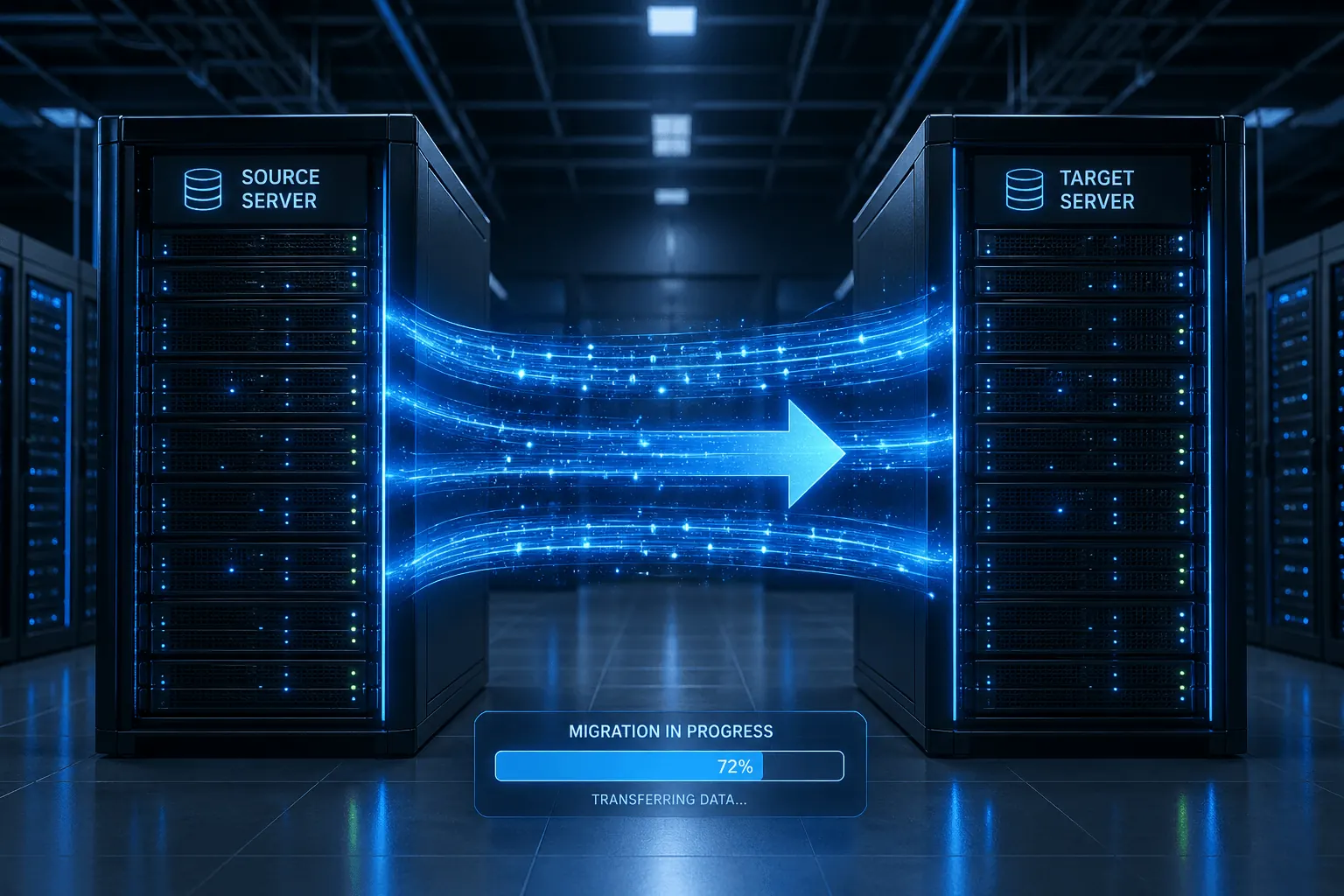
Как мигрировать сайт с Plesk на Plesk: гид по Migrator
Перенос сайтов, почты, БД и DNS за один раз с Plesk Migrator. Настройка, тест-миграция и cutover.
Читать далее FileZilla: миграция файлов между двумя VDS
Перенос сайта со старого на новый VDS: FileZilla по FTP/SFTP, советы по скорости, права и обработка ошибок.
Читать далее