


How to Install a Let's Encrypt SSL Certificate? Free HTTPS Guide
Install Let's Encrypt SSL on Nginx and Apache with Certbot. Auto-renewal, wildcard certificates, and common errors.
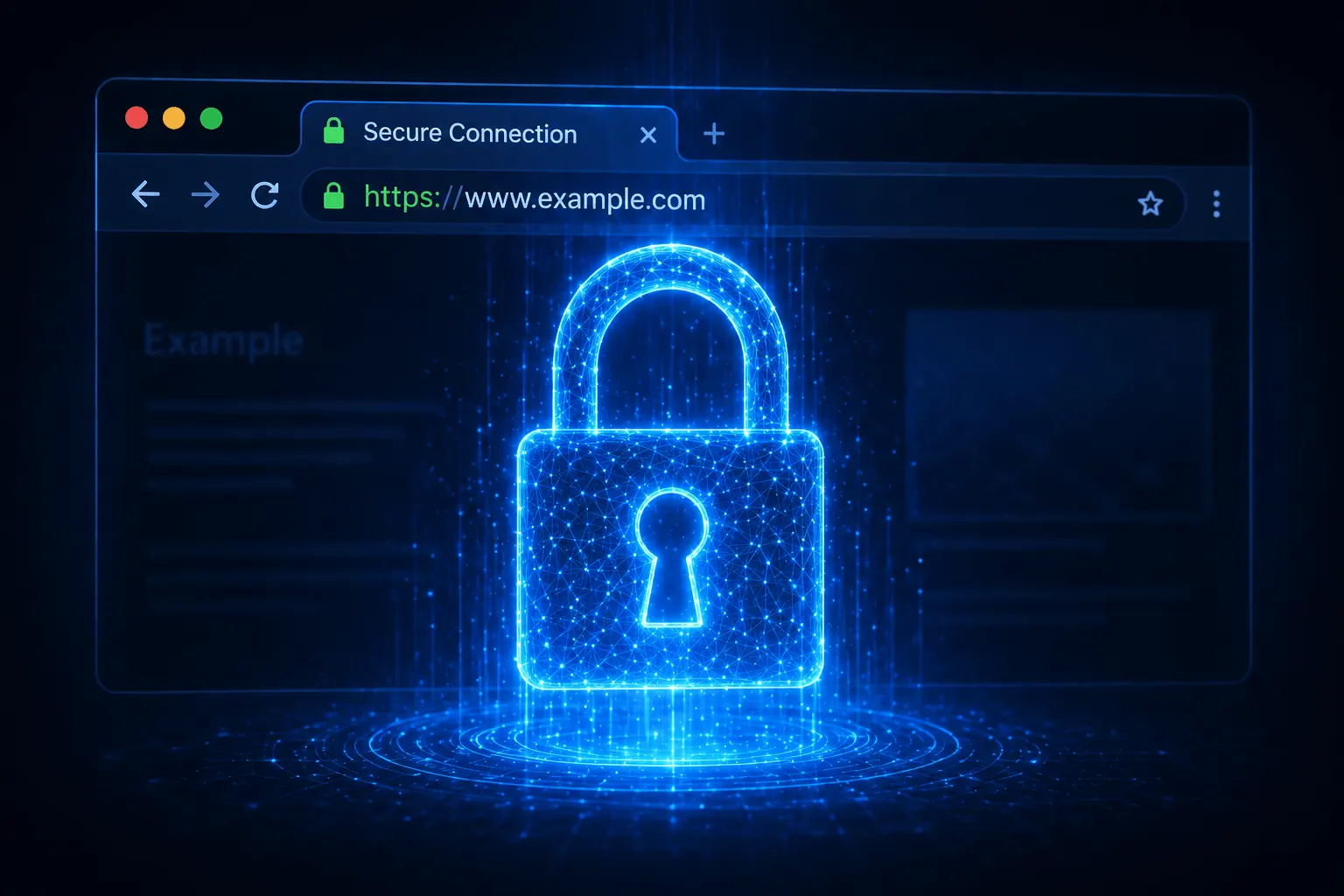
In 2026, a site without SSL = “Not Secure” warning + SEO penalty. Let’s Encrypt offers free SSL, Certbot installs it in 5 minutes with auto-renewal. This guide walks through Nginx and Apache setup plus common errors.
Prerequisites
- Domain’s DNS A record points to VDS IP (
dig +short yoursite.com) - Ports 80/443 open (port 80 required for Let’s Encrypt validation)
- Root access
- Web server (Nginx/Apache) installed
Install Certbot
# Ubuntu/Debian
sudo apt install certbot python3-certbot-nginx -y     # for Nginx
sudo apt install certbot python3-certbot-apache -y    # for Apache

# AlmaLinux/RHEL
sudo dnf install certbot python3-certbot-nginx -y
Install SSL for Nginx
One command:
sudo certbot --nginx -d yoursite.com -d www.yoursite.comWizard:
- Enter email (renewal warnings)
- ToS → A
- HTTP → HTTPS redirect → 2 (Yes)
~30 seconds later your site runs over HTTPS. You should see the green lock in browsers.
For Apache
sudo certbot --apache -d yoursite.com -d www.yoursite.comSame wizard. Apache config is auto-edited.
Manual mode (don’t want web server config touched)
sudo certbot certonly --webroot -w /var/www/html -d yoursite.comCerts land in /etc/letsencrypt/live/yoursite.com/. Wire them into your web server yourself.
Wildcard certificate (*.yoursite.com)
Wildcards require DNS challenge:
sudo certbot certonly --manual --preferred-challenges dns \
    -d yoursite.com -d "*.yoursite.com"
Certbot asks you to add a TXT record → add it in your DNS panel → wait + press Enter. Cert issued.
Automated DNS challenge (Cloudflare API):
sudo apt install python3-certbot-dns-cloudflare -y

# /root/.cloudflare/credentials.ini
dns_cloudflare_api_token = TOKEN_HERE

sudo chmod 600 /root/.cloudflare/credentials.ini

sudo certbot certonly --dns-cloudflare \
    --dns-cloudflare-credentials /root/.cloudflare/credentials.ini \
    -d yoursite.com -d "*.yoursite.com"
Auto-renewal
Let’s Encrypt certs are valid for 90 days. Certbot adds a cron/timer at install:
# Test (won't actually renew)
sudo certbot renew --dry-run

# Manual renew
sudo certbot renew

# Auto-renewal status
systemctl status certbot.timer
To set cron manually:
0 4 * * * certbot renew --quiet && systemctl reload nginxDetails in our cron guide.
List certificates
sudo certbot certificatesShows domain, expiry, file paths.
Revoke a certificate
sudo certbot revoke --cert-path /etc/letsencrypt/live/yoursite.com/cert.pem
sudo certbot delete --cert-name yoursite.com
SSL Labs test
After install: https://www.ssllabs.com/ssltest/ — for an A+ score:
/etc/nginx/sites-available/default:
ssl_protocols TLSv1.2 TLSv1.3;
ssl_ciphers HIGH:!aNULL:!MD5;
ssl_prefer_server_ciphers on;
add_header Strict-Transport-Security "max-age=31536000; includeSubDomains" always;
Common errors
- “Failed authorization procedure”:
- DNS A record wrong → check with
dig +short yoursite.com - Port 80 closed → check UFW (UFW post)
- Cloudflare proxy on → temporarily disable for DNS validation
- DNS A record wrong → check with
- “Too many requests”: Let’s Encrypt rate limit (5 certs/week per domain) → wait
- “Certificate not yet due for renewal”: renews 30 days before expiry; force with
--force-renewal - Mixed content warnings:
http://links in your content → change tohttps://
Conclusion
SSL is no longer optional — for user trust, SEO, and compliance, it’s mandatory. Let’s Encrypt + Certbot is the free, automated, officially supported combo.
If you use Plesk, even easier — see our Plesk post.
Related: UFW Firewall · Cron Job Setup
İlgili Yazılar
Bunlar da ilgini çekebilir.

3-2-1 Yedekleme Kuralı: Sunucu Verilerini Asla Kaybetmemenin Yolu
3-2-1 yedekleme kuralı, kurumsal sunucu yedekleme stratejisinin altın standardıdır. Bu yazıda kuralı, otomasyon yöntemlerini ve KavesNET yedek altyapısını anlatıyoruz.
Devamını Oku
Plesk'ten Plesk'e Site Nasıl Taşınır? Migrator Aracı Rehberi
Plesk Migrator ile site, mail, DB ve DNS'i tek seferde yeni sunucuya taşı. Adım adım kurulum, migration test ve cutover.
Devamını Oku
FileZilla ile VDS'ten VDS'e Dosya Taşıma Rehberi
Eski sunucudan yeni VDS'e siteni taşı: FileZilla ile FTP/SFTP, hız ipuçları, izin ayarları ve hata kontrolü.
Devamını Oku