


Nginx Kurulumu ve Reverse Proxy Yapılandırma Rehberi
Nginx'i sıfırdan kur, virtual host yapılandır, Node.js / PHP-FPM için reverse proxy oluştur. Performans ve güvenlik ayarları.
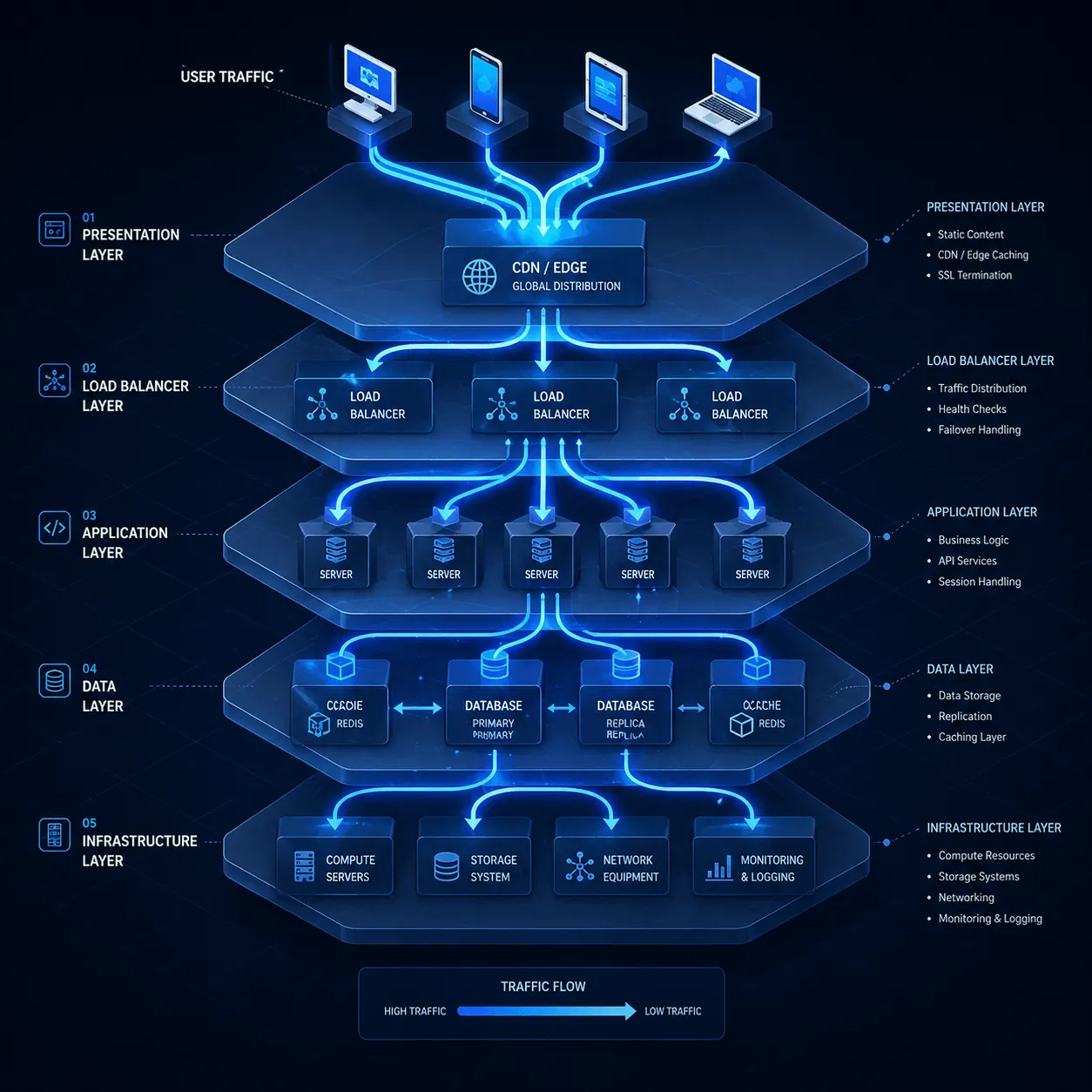
Apache yerine Nginx kullanıyorsan ya da Node.js/Python/Docker uygulamanın önüne reverse proxy koymak istiyorsan doğru rehbere geldin. Nginx, modern web sunucularının yaklaşık 35%‘inde kullanılan, asenkron mimarisi sayesinde Apache’den çok daha az kaynak tüketen bir yazılım. Bu rehberde kurulum, vhost ve reverse proxy yapılandırmasını adım adım anlatıyoruz.
Önkoşullar
- Ubuntu 22.04 / Debian 12 (AlmaLinux için
dnfkullan) - Root erişimi
- 80, 443 portlarının açık olması (UFW yazımız)
1. Nginx kurulumu
sudo apt update
sudo apt install nginx -y
sudo systemctl enable --now nginx
sudo systemctl status nginx
Tarayıcıdan http://vds-ip aç → Nginx default sayfası görmeli.
2. Apache ile çakışma kontrolü
Eğer Apache zaten kuruluysa Nginx başlamaz (port 80 çakışır):
sudo systemctl stop apache2
sudo systemctl disable apache2
Veya Apache’yi 8080’e taşı (advanced).
3. İlk virtual host (siten için)
sudo nano /etc/nginx/sites-available/siten.comserver {
listen 80;
listen [::]:80;
server_name siten.com www.siten.com;
root /var/www/siten.com;
index index.html index.php;
location / {
try_files $uri $uri/ =404;
}
# PHP-FPM (WordPress için)
location ~ \.php$ {
include snippets/fastcgi-php.conf;
fastcgi_pass unix:/var/run/php/php8.3-fpm.sock;
}
# Statik dosyalar uzun cache
location ~* \.(jpg|jpeg|png|gif|ico|css|js|woff2)$ {
expires 30d;
add_header Cache-Control "public, no-transform";
}
access_log /var/log/nginx/siten.com_access.log;
error_log /var/log/nginx/siten.com_error.log;
}Aktif et:
sudo ln -s /etc/nginx/sites-available/siten.com /etc/nginx/sites-enabled/
sudo nginx -t          # Syntax test
sudo systemctl reload nginx
4. Reverse proxy: Node.js / Docker uygulaması önüne
Diyelim Node.js uygulaman 3000 portunda çalışıyor. Nginx’i 80/443’te koyup arkaya proxy yap:
server {
    listen 80;
    server_name app.siten.com;

    location / {
        proxy_pass http://localhost:3000;
        proxy_http_version 1.1;
        proxy_set_header Upgrade $http_upgrade;
        proxy_set_header Connection 'upgrade';
        proxy_set_header Host $host;
        proxy_set_header X-Real-IP $remote_addr;
        proxy_set_header X-Forwarded-For $proxy_add_x_forwarded_for;
        proxy_set_header X-Forwarded-Proto $scheme;
        proxy_cache_bypass $http_upgrade;
    }
}
Avantajları:
- WebSocket desteği (
proxy_http_version 1.1+ Upgrade header) - SSL terminasyon (Let’s Encrypt’i Nginx’te kur, app’in temiz HTTP)
- Statik içerik serve etmek (Node.js’i yormamak için)
5. SSL ekle (Let’s Encrypt)
sudo apt install certbot python3-certbot-nginx -y
sudo certbot --nginx -d siten.com -d www.siten.com
Detaylar: Let’s Encrypt yazımız.
Certbot otomatik olarak vhost’a HTTPS bloğu ekler ve HTTP→HTTPS redirect kurar.
6. Performans tuning
/etc/nginx/nginx.conf:
worker_processes auto;
worker_connections 4096;

# Buffer ayarları
client_body_buffer_size 10K;
client_header_buffer_size 1k;
client_max_body_size 50m;
large_client_header_buffers 4 8k;

# Gzip
gzip on;
gzip_vary on;
gzip_proxied any;
gzip_comp_level 6;
gzip_types text/plain text/css text/xml application/json application/javascript application/xml+rss image/svg+xml;

# Brotli (modülü kuruluysa)
# brotli on;
# brotli_comp_level 6;

# HTTP/2
listen 443 ssl http2;
sudo nginx -t && sudo systemctl reload nginx7. Güvenlik header’ları
add_header X-Frame-Options "SAMEORIGIN" always;
add_header X-Content-Type-Options "nosniff" always;
add_header X-XSS-Protection "1; mode=block" always;
add_header Strict-Transport-Security "max-age=31536000; includeSubDomains" always;
add_header Referrer-Policy "strict-origin-when-cross-origin" always;
Test: https://securityheaders.com/
8. Rate limiting (DDoS koruması)
# nginx.conf http bloğunda
limit_req_zone $binary_remote_addr zone=mylimit:10m rate=10r/s;

# server bloğunda
location /api/ {
    limit_req zone=mylimit burst=20 nodelay;
    proxy_pass http://localhost:3000;
}
DDoS yazımız bu konuyu detaylandırır: DDoS Korunma.
9. Log yönetimi
# Aktif log'u izle
sudo tail -f /var/log/nginx/siten.com_access.log

# En çok hit alan IP'ler
sudo awk '{print $1}' /var/log/nginx/access.log | sort | uniq -c | sort -rn | head -20

# 404'ler
sudo grep " 404 " /var/log/nginx/access.log | tail -20
logrotate Nginx için zaten yapılandırılmış (/etc/logrotate.d/nginx).
Sık karşılaşılan hatalar
- “nginx: [emerg] bind() to 0.0.0.0:80 failed (98: Address already in use)”: Apache çalışıyor → durdur
- “502 Bad Gateway”: Reverse proxy backend down →
systemctl status node-app - “413 Request Entity Too Large”:
client_max_body_sizeartır - “504 Gateway Timeout”:
proxy_read_timeout 300s;ekle - PHP çalışmıyor: PHP-FPM kurulu ve çalışıyor mu?
sudo systemctl status php8.3-fpm
Nginx vs Apache karşılaştırma
| Nginx | Apache | |
|---|---|---|
| Mimari | Asenkron, event-driven | Process-based |
| Kaynak | Daha az RAM/CPU | Daha çok |
| Statik dosya | Çok hızlı | Hızlı |
| .htaccess | ❌ Desteklemez | ✓ |
| Reverse proxy | Native | mod_proxy ile |
| Konfig | sites-available syntax | .conf dosyaları |
WordPress için ikisi de çalışır; yüksek trafik için Nginx daha verimli.
Sonuç
Nginx, modern web stack’in temel taşı. Tek bir VDS’te birden fazla site + reverse proxy + SSL terminasyon yapabilirsin. KavesNET VDS Nginx için optimize.
İlgili: WordPress Manuel Kurulum · Cloudflare CDN
İlgili Yazılar
Bunlar da ilgini çekebilir.

3-2-1 Yedekleme Kuralı: Sunucu Verilerini Asla Kaybetmemenin Yolu
3-2-1 yedekleme kuralı, kurumsal sunucu yedekleme stratejisinin altın standardıdır. Bu yazıda kuralı, otomasyon yöntemlerini ve KavesNET yedek altyapısını anlatıyoruz.
Devamını Oku
Plesk'ten Plesk'e Site Nasıl Taşınır? Migrator Aracı Rehberi
Plesk Migrator ile site, mail, DB ve DNS'i tek seferde yeni sunucuya taşı. Adım adım kurulum, migration test ve cutover.
Devamını Oku
FileZilla ile VDS'ten VDS'e Dosya Taşıma Rehberi
Eski sunucudan yeni VDS'e siteni taşı: FileZilla ile FTP/SFTP, hız ipuçları, izin ayarları ve hata kontrolü.
Devamını Oku