


How to Migrate a Site from Plesk to Plesk: Migrator Tool Guide
Move sites, mail, DB, and DNS in one shot with Plesk Migrator. Step-by-step setup, test migration, and cutover.
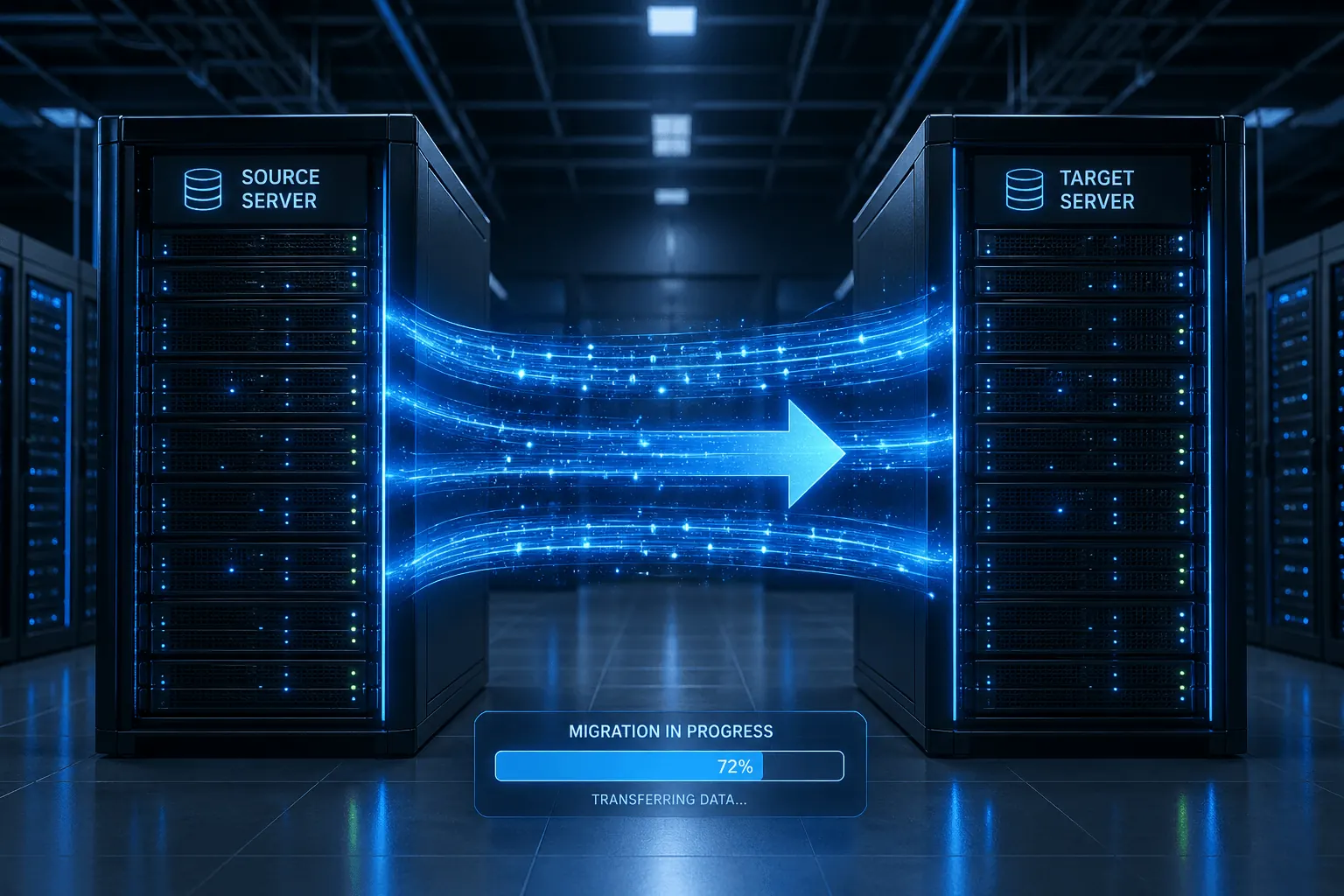
Migrating from an old Plesk server to a new KavesNET VDS? Plesk Migrator moves sites/mail/DB/DNS in one go — without manual rsync + dump-import grind. This guide walks through using Plesk Migrator, test runs, and cutover.
Prerequisites
- Old server: Plesk installed, sites running
- New server: fresh Plesk installed and licensed (see our Plesk install post)
- Migrator extension installed on the new server
- SSH access to old server (port 22)
- Access to your DNS panel
1. Install the Migrator extension
On the new server’s Plesk panel:
Tools & Settings → Extensions Catalog → search Plesk Migrator → Install.
In ~5 minutes, the “Server Migration” menu appears.
2. Start a new migration
Server Migration → Start a New Migration:
- Source platform: Plesk for Linux / Plesk for Windows
- Source server hostname or IP: old-server-ip
- SSH port: 22 (change if custom)
- Username: root
- Authentication: password or SSH key
Connect → all sites and mail accounts on the old server are listed.
3. Choose what to migrate
Pick from the list:
- All domains (default)
- Specific domains only
- Include mail? (usually yes)
- DNS zones
- Databases
Estimated size + time is shown in advance.
4. Test migration (recommended)
Before going to production:
Test Migration → the Migrator only takes a copy of files/DB without making it live.
The result report shows:
- What migrated successfully
- Warnings (PHP version mismatch, old mail format, etc.)
- Errors
Fix errors → re-test → once clean, run the real migration.
5. Real migration (cutover)
Start Migration → the Migrator:
- Copies all files (rsync)
- Dumps + imports databases
- Moves mailboxes (IMAP sync)
- Replicates DNS zones
- Replicates Plesk config (vhost, users, perms)
Time: ~30-60 minutes for a 10 GB site (network-dependent).
6. Cutover (DNS change)
Right after migration, the old server is still live — the site still serves from the old IP. To point to the new server:
- Test the site on the new server: add to your hosts file (
new-vds-ip yoursite.com) → load in browser → does it work? - Lower TTL (24h before cutover): in your DNS panel, drop TTL to 60s
- Change DNS A record to the new IP: propagates in 60s-5min
- SSL certificate: enable Let’s Encrypt on the new server in Plesk (SSL post)
- Keep old server up for 7 days: for visitors with cached DNS
Manual alternative (when Migrator fails)
Migrator fails in some cases. Manual route:
# Full Plesk backup on old server
plesk bin pleskbackup --domains-list domain1.com,domain2.com -v --output-file=/tmp/backup.tar

# scp to new
scp /tmp/backup.tar root@new-server:/tmp/

# Restore on new
plesk bin pleskrestore --restore /tmp/backup.tar -level domains
Details: our FileZilla VDS migration post helps for big files.
Common issues
- “PHP version mismatch”: old server PHP 7.4, new 8.2 → site may not work; install 7.4 on the new server first, then upgrade after migration
- Empty mailboxes: IMAP sync needs user passwords; the Migrator asks
- SSL lost: certificates must be reissued (Let’s Encrypt → after DNS propagates)
- MySQL strict mode: old DB import shows “data truncated” → temporarily set
sql_mode=''on the new server - Cron jobs missing: the Migrator can miss some script paths — verify manually (cron post)
Post-migration checklist
- Site loads? (after DNS propagates, beyond hosts test)
- Mail send/receive working? (test via mxtoolbox.com)
- SSL active? (browser green lock)
- All cron jobs running? (
crontab -l) - DB connections correct? (check PHP error log)
- Backups working? (Plesk Backup Manager test)
- DNS propagated? (
dig +short yoursite.comfrom various regions)
Conclusion
Plesk Migrator does a full migration in 45-60 minutes — what would take 4-6 hours manually. After getting your new Plesk VDS at KavesNET, the first thing to set up is the Migrator.
For migration support, contact us — we can do it together.
Related: Plesk Linux Installation · FileZilla VDS File Migration
相关 文章
您可能也喜欢这些。

The 3-2-1 Backup Rule: How to Never Lose Server Data
The 3-2-1 backup rule is the gold standard for server backup strategy. We cover the rule, automation, and KavesNET's backup infrastructure.
阅读更多
FileZilla: VDS-to-VDS File Migration Guide
Move your site from old to new VDS: FileZilla over FTP/SFTP, speed tips, permissions, and error handling.
阅读更多
How to Choose the Best WordPress Hosting in 2025
Want a fast, secure, scalable WordPress site? Choosing the right hosting is critical. Here are the technical criteria and how to evaluate them.
阅读更多